

Start here
Quickstart
Build and publish your first app in about ten minutes.
How Alpha works
Sessions, machines, the workspace and what keeps running.
Prompt Alpha well
What to say so the agent builds the right thing first time.
What you can build
Apps
Booking apps, internal tools and stores with sign-in, a database and a public address.
Agents
Support bots, research teams and voice receptionists, tested with evals.
Decks and documents
Pitches, investor updates and one-pagers, exported to PowerPoint or PDF.
Images and video
Launch videos, logo concepts, product shots and diagrams.
Data
Financial models and budgets as Excel workbooks, or a dashboard from your data.
Automations
A morning digest or a weekly check, run on a timetable by a routine.
Every session has its own machine
Each session runs on an isolated cloud machine where the agent installs packages, starts servers and runs commands without touching any other session. Turns run on Alpha’s servers, so work keeps going when you close the tab. After about 30 minutes away, an idle machine sleeps; opening the session wakes it with every file as you left it.Chat
Codex or Claude Code works in the chat. Steer it mid-turn.
Workspace
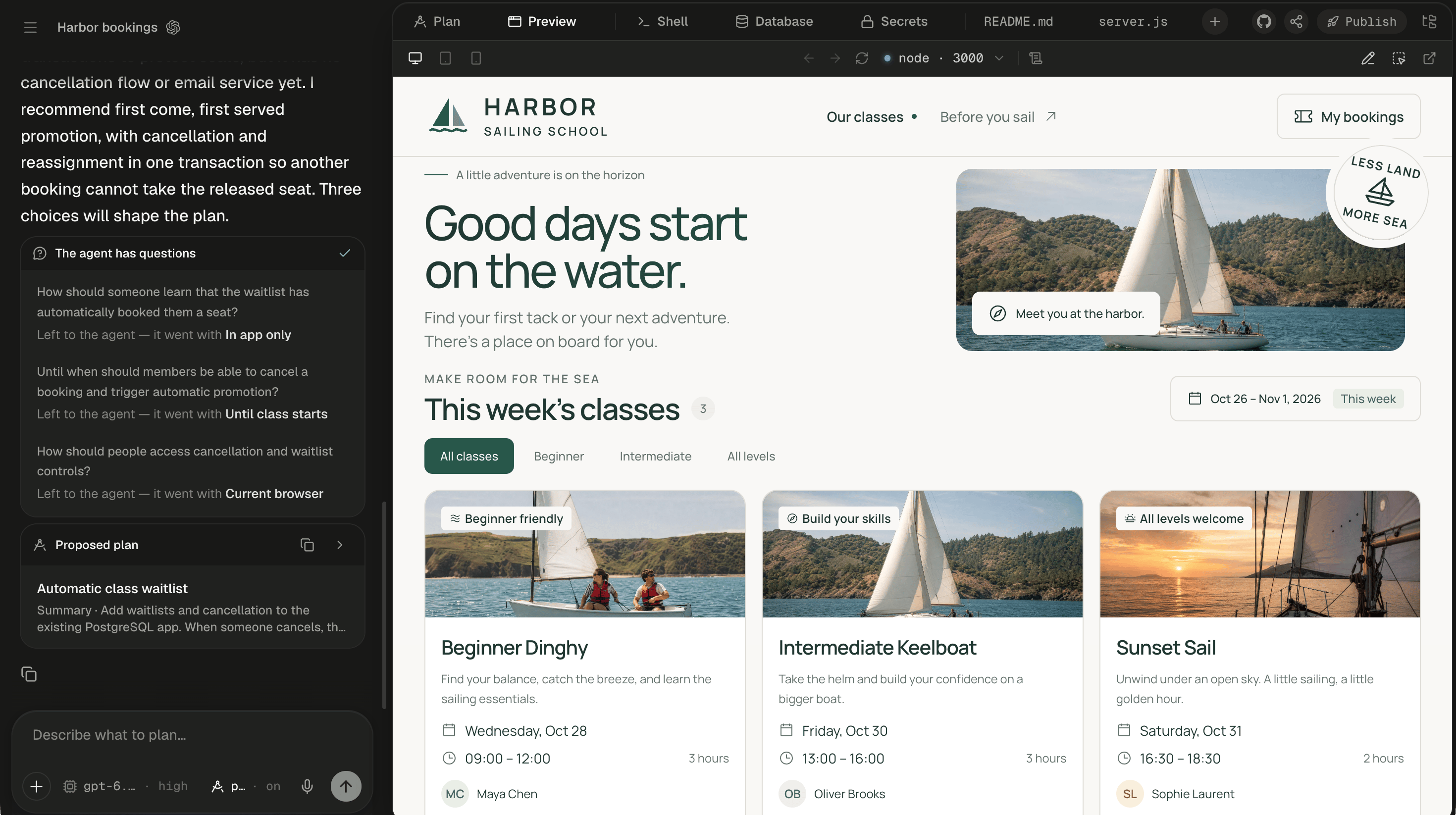
Preview, files, Shell, Database and app sign-in beside the chat.
Ship
Publish to a live https address, then republish each change.
Explore the docs
Guides
Five end-to-end builds, from a landing page to a weekly Slack summary.
Connect
Integrations, MCP servers, secrets and skills.
Agents and evals
Build AI agents, try them on real input and prove them with evals.
Reference
Slash commands, shortcuts, limits and troubleshooting.